
You filled the form, uploaded the documents, and hit submit weeks ago. Now every few days you open the portal, heart pounding a little, wondering — did it move forward? If that sounds familiar, you’re not alone. Lakhs of students across Gujarat are doing the exact same thing right now. This Gujarat scholarship status check guide walks you through the entire process for the 2026-27 cycle: where to check, what each status actually means, how to track your payment, and what to do when something goes wrong.
Gujarat Scholarship Status Check in 5 Minutes
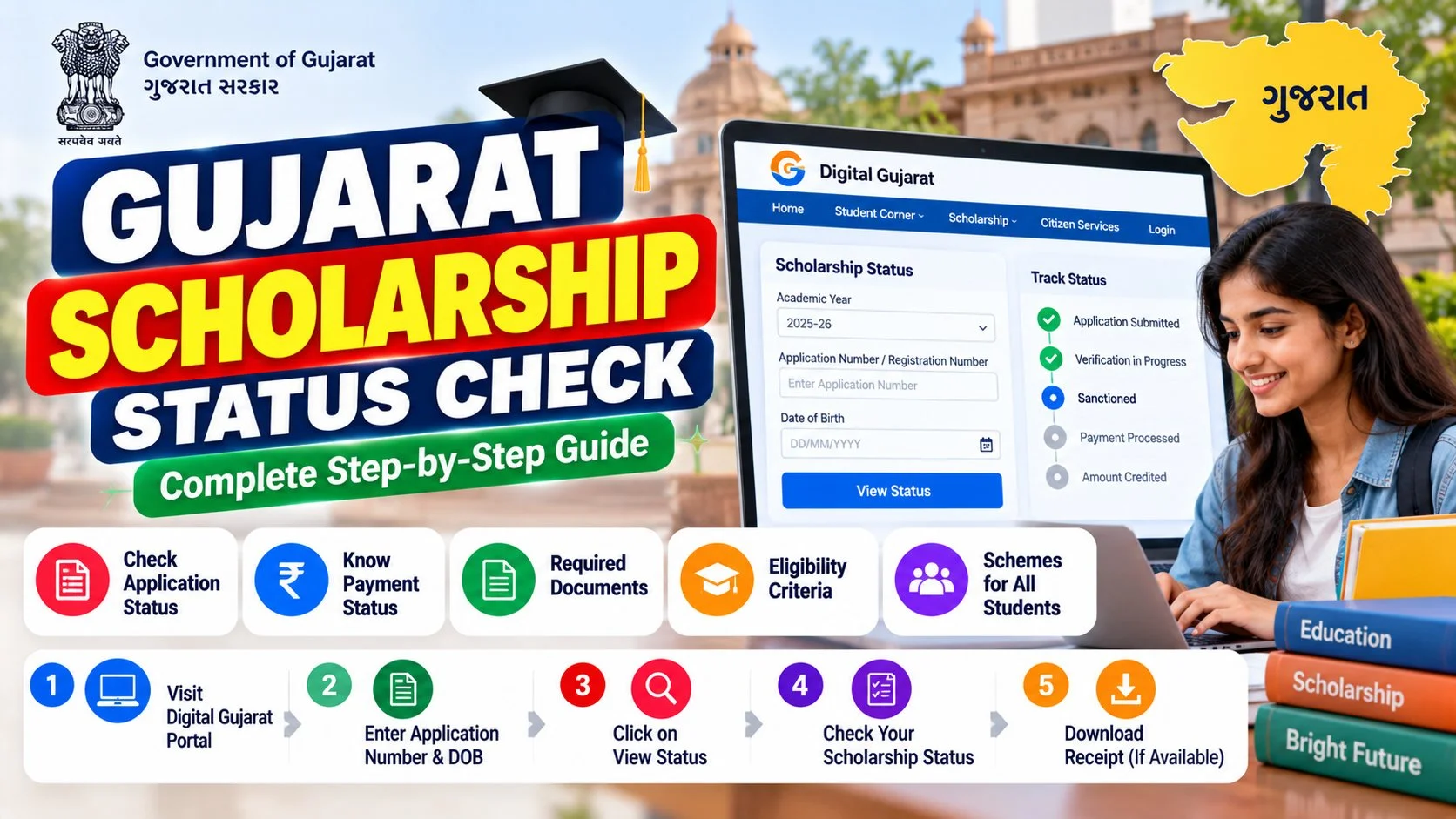
Let’s get straight to it. Here’s the fastest way to run your Gujarat scholarship status check on the Digital Gujarat portal:
- Go to the Digital Gujarat portal. Open digitalgujarat.gov.in in your browser. Use Chrome or Edge — the portal can be cranky on older browsers.
- Log in. Click “Login” and enter your registered mobile number or email ID along with your password. If you applied through the portal, you already have these credentials.
- Find your application. After logging in, look for “My Applications” or “Application Status” in your dashboard. Your scholarship application will be listed there with its current stage.
- Note your application number. Every application gets a unique number at submission time. Keep it handy — you’ll need it for helpline calls and PFMS tracking later.
- Read the status carefully. Don’t panic at unfamiliar terms. Scroll down to the status decoder table below — it explains exactly what each label means and what you should do next.
That’s it. The whole Gujarat scholarship status check takes under five minutes once you’re logged in. The tricky part isn’t checking — it’s understanding what the status means. That’s where most students get stuck, so let’s fix that next.
What You’ll Need Before You Start
Before you log in, keep these ready. It’ll save you from the annoying log-out-and-search-again loop:
- Registered mobile number or email ID — the one you used during application
- Password — if you’ve forgotten it, use the “Forgot Password” link on the login page before you start
- Application number — from your acknowledgement slip or SMS
- Aadhaar number — your scholarship payment comes through DBT, which runs on Aadhaar-seeded bank accounts. If you’re unsure about your Aadhaar details, check your Aadhaar card status first
One quick tip from experience: do this on a laptop or desktop rather than your phone. The Digital Gujarat dashboard has a lot of columns, and on mobile screens it’s easy to misread your status.
Gujarat Scholarship Status Meaning Decoder
This is the section most students actually need. The portal shows short status labels with zero explanation, and half the panic I see comes from misreading them. Here’s what each one really means:
| Status You See | What It Actually Means | What You Should Do |
|---|---|---|
| Submitted | Your application reached the portal successfully. Nobody has looked at it yet. | Nothing. Just wait — verification hasn’t started. |
| Under Verification | Your institute or the district authority is checking your documents and eligibility. | Wait. This stage usually takes 2-4 weeks. Check back weekly, not daily. |
| Query Raised | Something in your application needs attention — a blurry document, a mismatch, or a missing certificate. | Act fast. Open the query details, fix the exact issue, and re-upload. See the dedicated section below. |
| Approved | Your application passed verification. It’s now queued for payment processing. | Track your payment on PFMS (steps below). Approval doesn’t mean money is in your account yet. |
| Rejected | Your application didn’t meet the criteria, or a document problem couldn’t be resolved. | Read the rejection reason carefully, then check the fixes table below. Some rejections can be appealed. |
| Payment Initiated / PFMS | Your scholarship amount has been sent to the payment system for direct transfer to your bank account. | Track it on the PFMS portal. Money usually lands within 7-15 working days of this stage. |
The biggest misunderstanding? Students see “Approved” and assume the money is coming tomorrow. In reality, approval just means you’ve cleared verification — the payment pipeline (PFMS → your bank) is a separate journey that takes its own time.
How to Track Your Scholarship Payment on PFMS
Once your status shows Approved or Payment Initiated, your Gujarat scholarship status check moves to a second portal: PFMS, the Public Financial Management System. This is where the government actually pushes the money through DBT (Direct Benefit Transfer).
Here’s how to track it:
- Keep your bank account Aadhaar-seeded. DBT only works if your bank account is linked with your Aadhaar. This is the single most common reason payments get stuck. Not sure? Verify your Aadhaar status and confirm seeding at your bank branch.
- Ask your institute or district office for the PFMS transaction reference once your status shows payment initiated.
- Check with your bank if the amount hasn’t arrived within 15 working days of the PFMS stage — sometimes the transfer is done but SMS alerts fail.
- Match the name on your bank account with your application. Even a small spelling difference between your Aadhaar, bank account, and scholarship application can bounce the payment back.
If you’ve ever done PM Kisan eKYC, the DBT logic is identical — Aadhaar-seeded account, verified details, money straight to the bank. Same plumbing, different scheme.
Scheme-Wise Gujarat Scholarship Status Check Guide (2026-27)
Not every Gujarat scholarship follows the exact same path. Here’s how the Gujarat scholarship status check differs across the major schemes:
Digital Gujarat Post-Matric & Pre-Matric Scholarships (SC/ST/OBC/SEBC)
This is the big one — the bulk of applications on the Digital Gujarat portal. For the 2026-27 cycle, the SC/OBC application window closed on September 30, 2026, so those applicants are squarely in status-check mode right now. The ST window runs September 1 to November 30, 2026, so ST students can still apply and check status simultaneously.
Check your status on digitalgujarat.gov.in → Login → My Applications. Post-matric applications go through institute verification first, then district-level approval. If your institute hasn’t verified yet, your status will sit at “Submitted” — a gentle reminder to your college office can speed things up.
CMSS — Chief Minister Scholarship Scheme
CMSS targets meritorious students, and its verification is stricter on academic documents. The most common holdup here is marksheet mismatches — your previous year’s percentage on the application must match your uploaded marksheet exactly. Run your Gujarat scholarship status check the same way on the Digital Gujarat portal, but pay extra attention to any query about academic records.
MYSY — Mukhyamantri Yuva Swavalamban Yojana
MYSY covers tuition fee assistance and hostel support for economically weaker students. Because it involves fee reimbursement to institutes, the status flow has an extra step: after your approval, the amount goes to your institute first, not directly to you. If your status shows approved but you haven’t received anything, check with your college accounts office — the money may already be adjusted against your fees.
Namo Lakshmi Yojana
This scheme supports girl students, and its status terms follow the same Submitted → Verification → Approved → PFMS flow. Parents checking on behalf of daughters: make sure you’re logging in with the student’s registered credentials, not your own — mismatched logins are a surprisingly common source of “application not found” panic.
National Scholarship Portal (NSP) Schemes
Some Gujarat students also apply for central schemes through scholarships.gov.in. If you applied there, your status check happens on the NSP portal itself, not Digital Gujarat — the two systems don’t sync. Log in to NSP → Check Your Status with your application ID.
“Query Raised”? Here’s Exactly What to Do
Seeing “Query Raised” feels scary, but it’s actually good news in disguise — it means someone reviewed your application and is giving you a chance to fix it instead of rejecting it outright. Here’s the drill:
- Open the query details. Don’t guess. Click on the query notification to read exactly what the verifier flagged — it’ll name the specific document or field.
- Fix only what’s asked. If they want a clearer caste certificate, upload a clearer caste certificate. Don’t re-upload everything; it just creates confusion.
- Check document specs. Most queries are about scan quality. Re-scan at 200 DPI minimum, keep the file under the portal’s size limit, and make sure all four corners of the document are visible.
- Watch the deadline. Queries usually come with a response window. Miss it and your application auto-moves toward rejection. Treat a query like it’s urgent — because it is.
- Re-check after 7 days. Once you’ve responded, the status should move back to “Under Verification.” If it doesn’t change in two weeks, contact your institute’s scholarship nodal officer.
The documents that trigger the most queries, in my experience: income certificates (expired or mismatched year), caste certificates (blurry scans), and bank passbook copies (account number not clearly visible). Get these three right and you’ll dodge 80% of queries.
Rejection Reasons & How to Fix Them
Rejections sting, but many of them are fixable — either through appeal or reapplication. Here’s the honest breakdown:
| Rejection Reason | Why It Happens | Can You Fix It? |
|---|---|---|
| Income above limit | Family income exceeds the scheme’s ceiling for 2026-27 | No — but check if you qualify for a different scheme with a higher limit, like MYSY |
| Duplicate application | Two applications found for the same student/Aadhaar | Yes — contact the district scholarship office to cancel the duplicate and retain the correct one |
| Document mismatch | Name/DOB on documents doesn’t match across Aadhaar, marksheet, and application | Yes — get the document corrected, then appeal or reapply with matching records |
| Institute not verified | Your college didn’t complete its verification step in time | Sometimes — escalate through your institute’s nodal officer immediately |
| Bank account issues | Account not Aadhaar-seeded, dormant, or closed | Yes — seed Aadhaar at your bank, then request payment re-initiation |
| Missed query deadline | A “Query Raised” wasn’t answered within the given window | Rarely — but worth one visit to the district office with your documents to plead your case |
One thing I want to be straight about: if your rejection is for income limits or genuine ineligibility, no trick will overturn it. But document-related rejections? Those are worth fighting — and most students who appeal with corrected papers get a second look.
Important Dates: Gujarat Scholarship 2026-27
Timing matters more than most students realise. Here’s the 2026-27 cycle at a glance, as per the current published schedule:
- SC/OBC/SEBC applications: Window closed September 30, 2026 — status-check phase is active now
- ST applications: Open September 1 to November 30, 2026 — you can still apply
- Verification window: Typically runs 4-8 weeks after each window closes
- Payment disbursal: Usually begins 2-3 months after verification completes, in batches
Payments don’t all land on one day — they go out in batches by district and scheme. So if your friend got theirs and you didn’t, it doesn’t automatically mean something’s wrong. Check your own status before panicking.
Gujarat Scholarship Helpline & Grievance Redressal
Sometimes the portal doesn’t cooperate — login errors, pages that won’t load, a status that hasn’t moved in weeks. Before you panic, know where to get real help:
- Digital Gujarat helpline: The portal lists a toll-free support number and email on its “Contact Us” page. Keep your application number ready before calling — without it, the support team can’t look up your case.
- Your institute’s nodal officer: Every college has a designated scholarship officer. For verification-stage delays, this person is your fastest route — they can see exactly where your application is stuck in the approval chain.
- District Social Welfare / Tribal Development office: For district-level verification delays or rejections you want to appeal, a physical visit with printed documents often moves things faster than waiting on the portal.
- CPGRAMS (pgportal.gov.in): If a state-level grievance goes unanswered for weeks, you can escalate through the central government’s public grievance portal. Mention your application number, scheme name, and the exact stage where things stalled.
A practical tip: when you call any helpline, note down the date, the name of the person you spoke to, and any complaint or ticket number they give you. Scholarship offices handle thousands of cases — the students who follow up with specifics get resolved faster than those who just say “my scholarship hasn’t come.”
And one more thing worth knowing: during peak verification season (October–December), helplines are swamped. Call early in the morning on a weekday for the shortest wait. If the line is busy for days, try the email route with a clear subject line like “Application [Your Number] — Status Stuck at Under Verification Since [Date].”
Frequently Asked Questions
1. How can I check my Gujarat scholarship status without my application number?
Log in to digitalgujarat.gov.in with your registered mobile number — your dashboard lists all applications linked to your account, application numbers included. If you’ve lost access to the registered mobile number too, visit your institute’s scholarship nodal officer with your Aadhaar card; they can look up your application from the institute’s panel.
2. My status has shown “Under Verification” for over a month. Is this normal?
It can be, especially during peak season when district offices handle thousands of applications. But a month is on the longer side. First, check whether your institute completed its verification step — that’s the most common bottleneck. A polite visit to your college’s scholarship cell usually reveals exactly where your file is sitting.
3. What does “Query Raised” mean and how much time do I get to respond?
It means the verifier found a specific problem — a document issue, a data mismatch, something fixable. The portal shows a response deadline with the query; treat it as urgent and respond within days, not weeks. Upload exactly what’s asked for, in clear scan quality, and your status moves back to verification.
4. My application is approved but I haven’t received any money. What should I do?
Approval and payment are two different stages. First confirm your status actually shows payment initiated or a PFMS reference. Then verify your bank account is Aadhaar-seeded — this is the number one reason approved scholarships don’t arrive. If 15 working days have passed since payment initiation, check with your bank, then escalate to the district scholarship office with your application number and PFMS reference.
5. Can I check Gujarat scholarship status on my mobile phone?
Yes, the Digital Gujarat portal works on mobile browsers, and there’s an official Digital Gujarat mobile app too. That said, the dashboard is dense — for your first proper Gujarat scholarship status check, I’d still recommend a laptop so you can read every column clearly. Quick re-checks on phone are fine afterward.
6. I applied for both a Gujarat scheme and NSP. Where do I check each?
They’re separate systems. Gujarat state schemes (post-matric, CMSS, MYSY, Namo Lakshmi) are checked on digitalgujarat.gov.in. Central schemes are checked on scholarships.gov.in with your NSP application ID. One portal doesn’t know about the other’s applications, so check both if you applied to both.
Final Words
Checking your scholarship status shouldn’t feel like decoding a secret message — but with the decoder table, the PFMS steps, and the query fixes above, you’ve now got everything the portal doesn’t tell you. The 2026-27 cycle is moving: SC/OBC applicants are deep in verification season, and ST applications are still open till November 30.
Do your Gujarat scholarship status check today, not “someday.” If there’s a query sitting unanswered on your application, every day you wait is a day closer to that deadline. And if everything looks good — approved, payment initiated — make sure that bank account is Aadhaar-seeded so the money actually reaches you.
Know a friend who’s also refreshing the portal every other day? Share this guide with them — especially the status decoder. It’ll save them a lot of unnecessary worry. And if your family is exploring other government support too, our Atal Pension Yojana guide is worth a read for your parents’ retirement planning.