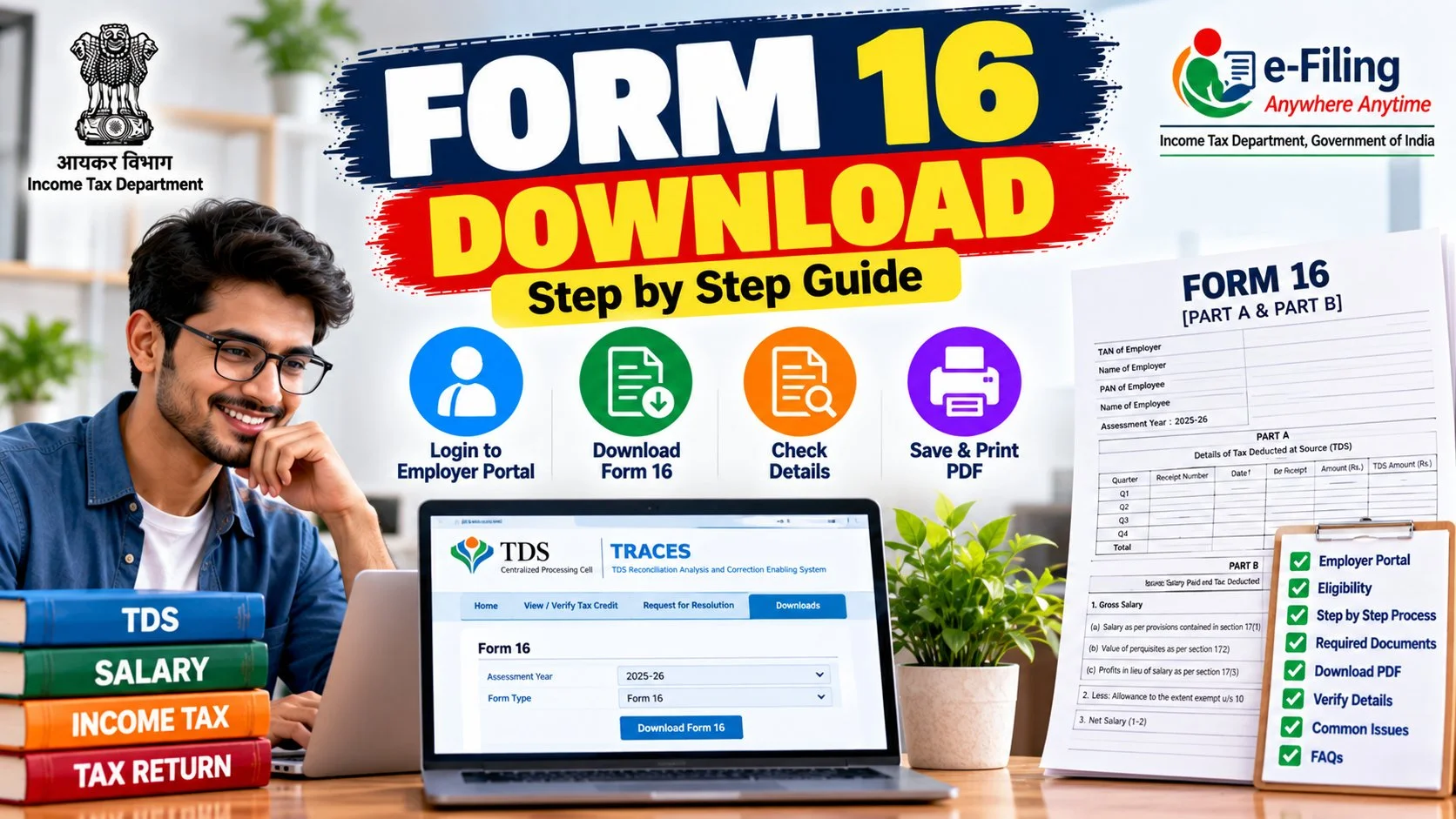

Your employer was supposed to send Form 16, but it is the second week of July and your inbox is empty. Or maybe you switched jobs and nobody knows who issues it. If you need a Form 16 download urgently for ITR filing, this guide shows you every legitimate way to get it — from your employer, from the TRACES portal, and what to do when neither works.
✅ This guide is based on official government sources and notifications. Last verified: October 12, 2026. Scheme details, eligibility criteria, and benefit amounts are revised by the government from time to time — always cross-check the latest information on the official portal before applying.
Form 16 is the single most important document for salaried ITR filing. It is your employer’s certificate of the tax they deducted from your salary (TDS) — and without it, filing accurately becomes guesswork. Let us get you sorted.
What Is Form 16? (The 60-Second Version)
Form 16 is a TDS certificate issued by your employer under Section 203 of the Income Tax Act. It has two parts:
| Part | Contains | Issued By |
|---|---|---|
| Part A | Employer & employee details (PAN, TAN), TDS deducted per quarter, challan details | Generated from TRACES portal |
| Part B | Salary breakup, exemptions (HRA, LTA), deductions (80C, 80D), net taxable income | Employer (payroll team) |
Employers must issue Form 16 by 15th June following the financial year. If yours has not arrived, the methods below will help.
Method 1: Form 16 Download from Your Employer (Easiest)
For 95% of salaried people, this is the only method needed:
- HR/payroll portal: Most companies (TCS, Infosys, and even mid-size firms) upload Form 16 to the employee self-service portal. Log in → Payroll/Tax section → Download Form 16 for the relevant FY.
- Email: Many employers email it as a password-protected PDF. The password is usually your PAN in uppercase + date of birth in DDMMYYYY format (e.g., ABCDE1234F15081990).
- Ask HR directly: If neither works, email your HR/payroll team. They are legally obligated to issue it.
Method 2: Form 16 Download from TRACES Portal
Here is the honest truth most articles skip: employees cannot directly download Form 16 from TRACES (tdscpc.gov.in). The TRACES portal’s Form 16 download is for deductors (employers), who log in with their TAN to generate it.
However, YOU can download two equally useful documents from government portals:
Form 26AS (your TDS statement)
- Go to incometax.gov.in → log in with PAN
- Navigate to e-File → Income Tax Returns → View Form 26AS
- It shows every TDS entry deposited against your PAN, quarter-wise, with the deductor’s TAN
AIS (Annual Information Statement)
- Same portal → Services → Annual Information Statement
- Shows salary, interest, dividends, securities transactions — the complete picture
Between Form 26AS and AIS, you can verify every rupee of TDS even without Form 16 in hand. If you are filing your ITR before the last date, these two documents are actually more important than Form 16 itself.
Method 3: When You Switched Jobs Mid-Year
This is where most people get stuck. If you worked for two employers in one financial year:
- You need Form 16 from BOTH employers — each covers only the salary they paid.
- Your current employer would have asked for the previous employer’s Form 16 to compute correct TDS. If you submitted it, they may have issued a consolidated Form 16.
- If not, download/contact each employer separately and combine the figures when filing.
- Check Form 26AS — it will show TDS entries from both TANs, confirming nothing is missed.
Form 16 Password: How to Open the PDF
Form 16 PDFs are password-protected. The standard formats:
| Employer Type | Usual Password Format | Example |
|---|---|---|
| Most private companies | PAN (uppercase) + DOB (DDMMYYYY) | ABCDE1234F15081990 |
| Some PSUs / banks | First 4 letters of name + DOB | RAHU15081990 |
| Others | As communicated by HR | Check HR email |
Form 16A vs Form 16: Do Not Confuse Them
| Point | Form 16 | Form 16A |
|---|---|---|
| Issued for | Salary TDS (Section 192) | Non-salary TDS (interest, commission, professional fees) |
| Issued by | Employer | Bank, company, client |
| Frequency | Annual | Quarterly |
If a bank deducted TDS on your FD interest, you get Form 16A from the bank — not Form 16. Both appear in Form 26AS.
What If Your Employer Refuses or Has Shut Down?
- Company shut down: File using Form 26AS + salary slips + bank statements. The TDS credit in 26AS is what matters for your return.
- Employer delaying: Send a written request (email). Non-issuance of Form 16 is a violation — the employer faces a penalty of ₹100/day under Section 272A(2)(g).
- Dispute over figures: Your Form 26AS is the department’s official record. If the employer’s Form 16 differs from 26AS, the 26AS figure prevails for TDS credit.
Using Form 16 for ITR Filing: A Practical Walkthrough
Once downloaded, here is how each part maps to your return:
From Part A → Verify TDS credit
Match the quarterly TDS figures with Form 26AS. Every rupee here reduces your tax payable.
From Part B → Fill income details
- Gross salary → Income from salary
- HRA exemption, LTA → Exempt allowances
- 80C investments, 80D premium → Deductions (old regime)
- Net taxable income → Cross-check with your own calculation
If you claimed 80C deductions or HRA exemption, Part B shows exactly what your employer considered. Discrepancies between Part B and your actual investments are the most common reason for mismatches — reconcile before filing.
Form 16 for Previous Years: How to Get Old Copies
- Last 2-3 years: Usually still on the HR portal — download directly.
- Older: Email HR/payroll with the FY and your employee ID. Companies are required to maintain these records.
- For visa/loan: Many embassies and banks ask for 2-3 years of Form 16. Download and keep a dedicated folder — do not rely on old email attachments.
Digital Form 16: Is a Downloaded Copy Valid?
Yes. The Form 16 generated from TRACES (Part A) carries a digital signature and is legally valid without any physical seal. Part B prepared by the employer is valid as issued. For all official purposes — ITR filing, visa, loans — the PDF is sufficient. Nobody needs a “stamped hard copy” anymore.
Form 16 Part B Deep Dive: Reading Every Line
Part B is where most confusion lives. Let us decode it line by line:
Section 1: Salary details
Shows gross salary under Section 17(1) — basic, DA, HRA, allowances, perquisites. Perquisites (company car, accommodation, ESOPs) are valued per prescribed rules and added here. If your CTC includes ESOPs that vested this year, check this section carefully — the perquisite value is taxable even though no cash changed hands.
Section 2: Exemptions under Section 10
HRA (10/13A), LTA (10/5), and other exempt allowances appear here. This is where your HRA calculation shows up as processed by the employer. If the HRA exemption here looks wrong, it usually means rent receipts were submitted late or the landlord PAN was missing for rent above ₹1 lakh/year.
Section 3: Deductions under Chapter VI-A
Your 80C, 80D, 80TTA claims as accepted by the employer. Compare these with what you actually submitted — HR teams sometimes miss documents submitted close to the proof deadline.
Section 4: Tax computation
Total income, tax on total income, rebate (87A if applicable), surcharge, cess, and relief under 89 (for arrears). The final TDS figure here should match Part A’s total.
TRACES Portal: What Employers Actually Do There
Since employees often hear “download from TRACES” without context, here is what happens on the employer side — useful to know when chasing HR:
- Employers log in to tdscpc.gov.in with their TAN
- They file quarterly TDS returns (Form 24Q for salary)
- After filing, they download Form 16 Part A (pre-filled with challan details) from TRACES
- They merge it with Part B (prepared from payroll data) and issue the combined PDF
So when HR says “TRACES is down” or “we are waiting for the 24Q to process,” this is the pipeline they mean. The 24Q for Q4 (Jan-Mar) is due 31st May, which is why Form 16 arrives by mid-June.
Form 16 and Job Changes: The Full Timeline
| Scenario | What to Collect | Watch Out For |
|---|---|---|
| 2 jobs, submitted old Form 16 to new employer | Single consolidated Form 16 from current employer | Verify old salary included correctly |
| 2 jobs, did NOT submit old Form 16 | Separate Form 16 from each employer | Both employers may have applied full basic exemption — you might owe extra tax |
| 3+ jobs in a year | Form 16 from each + Form 26AS | Definitely verify against 26AS; TDS shortfall is common |
| Contract/freelance + salary | Form 16 (salary) + Form 16A (professional fees TDS) | File ITR-3 or ITR-4, not ITR-1 |
Common Form 16 Errors and How to Fix Them
Wrong PAN in Form 16
If the employer entered a wrong PAN, the TDS credit goes to someone else’s 26AS. Get the employer to file a correction 24Q return — only a corrected TDS return fixes this, not a revised Form 16 PDF alone.
TDS deducted but not in 26AS
The employer deducted tax but did not deposit it or filed the return late. Your TDS credit appears only after the deductor files. Follow up with HR; the 26AS updates within days of the employer filing the correction.
Exemptions missing in Part B
You submitted HRA proofs but Part B shows zero exemption. This happens when proofs arrive after the payroll cutoff. Claim the exemption directly in your ITR — you do not need the employer’s permission to claim what is legally yours.
Name mismatch
Form 16 name differs slightly from PAN (middle name missing, spelling variant). Minor mismatches are fine, but get HR to align it with PAN records to avoid e-verification issues.
Form 16 for Pensioners
Pensioners receiving pension from a former employer get Form 16 the same way — the pension-paying authority is the “employer” for TDS purposes. Banks deducting TDS on pension also issue Form 16. Additionally, TDS on interest (FDs, savings) comes via Form 16A from the bank, quarterly.
Keeping Form 16 Safe: A Simple System
- Create a folder per financial year: “Tax/FY2025-26/”
- Save: Form 16 (both employers if applicable), Form 26AS PDF, AIS PDF, salary slips (March), investment proofs
- Keep at least 6 years (the assessment can be reopened for up to 6 years in serious cases; 10 years for large escapements)
- Cloud backup the folder — losing Form 16s during a scrutiny notice is a nightmare you do not need
Form 16 vs Salary Slip vs Offer Letter: What Proves What
| Document | Proves | Accepted For |
|---|---|---|
| Form 16 | Tax deducted + salary paid | ITR filing, visa, loans |
| Salary slips | Monthly pay structure | Loans, background verification |
| Offer letter | Promised CTC | Almost nothing official |
| Form 26AS | Tax actually deposited | ITR TDS credit (authoritative) |
For income proof, the hierarchy is: Form 16 > salary slips > offer letter. An offer letter proves nothing about what you actually received — never submit it as income proof.
Form 16 in the New Tax Regime Era
A common question now: “If I am in the new regime with no deductions, do I still need Form 16?” Yes — because Form 16 is about income reporting and TDS credit, not just deductions. Even in the new regime:
- You need the salary figure to report correctly
- You need the TDS figure to claim credit (else you pay tax twice)
- The standard deduction of ₹75,000 still applies and appears in Part B
- Rebate under 87A still needs correct total income computation
The regime changes your tax MATH, not your documentation needs.
What to Do When Figures Do Not Match: A Decision Tree
- Form 16 TDS > 26AS TDS: Employer has not deposited/filed yet. Wait a few weeks, re-check 26AS. Claim only what 26AS shows.
- 26AS TDS > Form 16 TDS: Rare, but possible with corrections. Trust 26AS.
- Salary in Form 16 ≠ your records: Check for arrears, bonuses, or perquisites you forgot. Then ask payroll for a breakup.
- AIS shows income you never received: Raise a grievance on the AIS portal (it has a feedback mechanism). Do not just ignore it — the department’s computer will notice.
Pro Tips from Years of Filing Seasons
- Download Form 16 the day it arrives. HR portals get archived; ex-employee access expires.
- Compare Part B deductions with your actual proofs before filing — not after getting a notice.
- Never edit a Form 16 PDF to “fix” figures. File the ITR with correct figures and keep your proofs; altering the certificate itself is a different matter entirely.
- File even when Form 16 is delayed — use 26AS + slips, and revise later if the Form 16 reveals differences (revision is free till 31st December).
Form 16 and Home Loans, HRA, and Other Deductions
Your Form 16 Part B is also the document where employer-considered deductions appear. If you are optimizing beyond salary, these companion guides help:
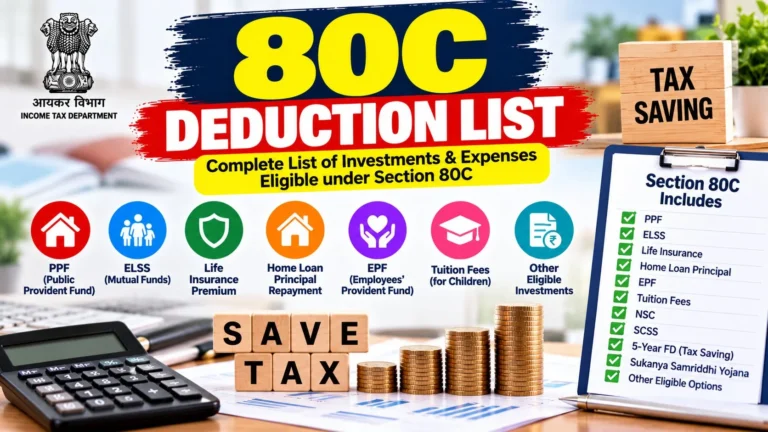
- 80C deduction list — every eligible investment and expense, so you can check Part B captured them all
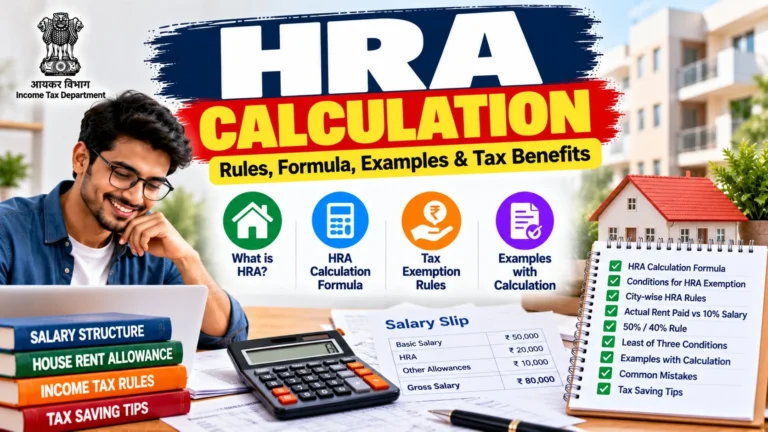
- HRA calculation — verify the HRA exemption in Part B matches the legal formula
- New vs old tax regime — decide which regime makes your Form 16 figures work hardest for you
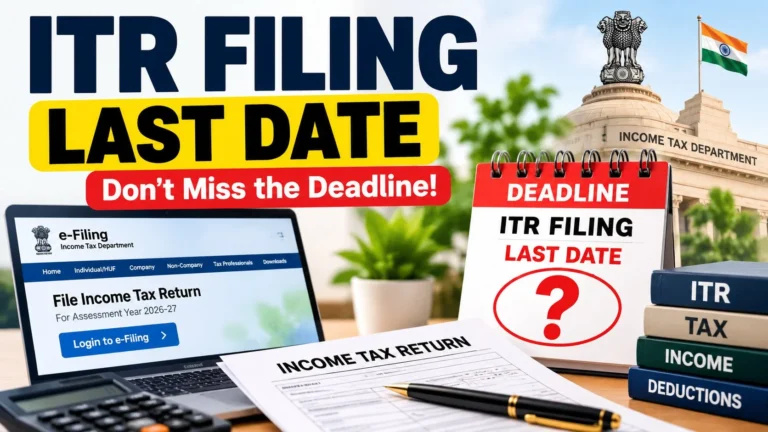
Think of Form 16 as the scorecard and these guides as the playbook. The scorecard tells you what happened; the playbook tells you how to do better next year — starting with this year’s ITR filing before the last date.
FAQs: Form 16 Download
Can I download Form 16 from incometax.gov.in directly?
No. The income tax portal does not host employee Form 16s. Download Form 26AS and AIS from the portal instead — they contain the same TDS data. Form 16 itself comes from your employer.
What is the password for Form 16 PDF?
Usually your PAN (in uppercase) followed by your date of birth in DDMMYYYY format. Check your HR’s email for the exact format used by your company.
My employer has not issued Form 16. Can I still file ITR?
Yes. File using Form 26AS, AIS, salary slips, and bank statements. The TDS credit in 26AS is what the department recognizes.
What is the last date for employers to issue Form 16?
15th June following the financial year. Late issuance attracts a penalty of ₹100 per day on the employer.
Do I need Form 16 if I file under the new regime?
Yes — Form 16 (or 26AS) is still needed to verify salary and TDS figures regardless of regime. The regime only changes deductions, not the need for accurate income reporting.
I lost my Form 16. What now?
Re-download from the HR portal, or ask HR to reissue. For older years, email payroll with your employee ID and the financial year.
Can I get Form 16 if my income is below the taxable limit?
Yes, in most cases. If no TDS was deducted, Part A may be empty, but many employers still issue Part B for your records. Ask your HR if you do not receive one. You may still need it for ITR filing.
Is Form 16 issued for every financial year?
Yes. You get a separate Form 16 for every financial year you were employed and TDS was deducted. If you changed jobs mid-year, each employer issues one for their period. Combine both and file a single ITR for the year.
Can I claim a refund using Form 16?
Yes. If the TDS shown in your Form 16 exceeds your actual tax liability after deductions, the excess comes back as a refund when you file your ITR, usually credited to your validated bank account within 30 to 60 days of processing.
Is Form 16 the same under the new and old tax regimes?
The structure is identical, but the contents differ. An old-regime Form 16 shows HRA exemption, 80C, 80D, and 24(b) deductions. A new-regime one shows only the 75,000 rupee standard deduction and employer NPS under 80CCD(2), with most other deductions at zero. Always check which regime your employer applied.
Can I download Form 16 in PDF format?
Yes. Employers issue Form 16 as a password-protected PDF, usually downloadable from your company HR portal or payroll system, or sent by email. The password format is typically your PAN in uppercase followed by your date of birth in DDMMYYYY.
Who issues Form 16 for pensioners?
The bank or institution that disburses your pension issues your Form 16. Your former employer does not. If TDS is deducted on your pension, the paying bank is the deductor.
Is Form 16 applicable to self-employed individuals?
No. Form 16 is only for salaried employees. Self-employed professionals receive Form 16A for TDS on non-salary income like professional fees or interest, or Form 16B for TDS on property sale, from whoever deducted the tax.
What is the Form 16 eligibility salary?
There is no salary threshold. Your employer must issue Form 16 whenever TDS has been deducted from your salary under Section 192, whatever the amount.
Can I use Form 16 for a loan or credit card application?
Yes. Banks accept Form 16 as proof of income and tax compliance for home loans, personal loans, and credit cards. It verifies your salary and proves the tax was actually deposited with the government.
I have two Form 16s from two employers. How do I file ITR?
File one ITR combining both. Add the salary from both Form 16s, claim the standard deduction only once (a common mistake is claiming it twice), and reconcile the total TDS with Form 26AS before filing.
Final Word
Form 16 download sounds like a chore until you realize it is the backbone of accurate ITR filing. Get it from your employer first, cross-verify with Form 26AS, and keep digital copies organized by year. And once you have it in hand, head to our ITR filing last date guide to make sure you file on time — because the best Form 16 in the world does not help if you miss the deadline.