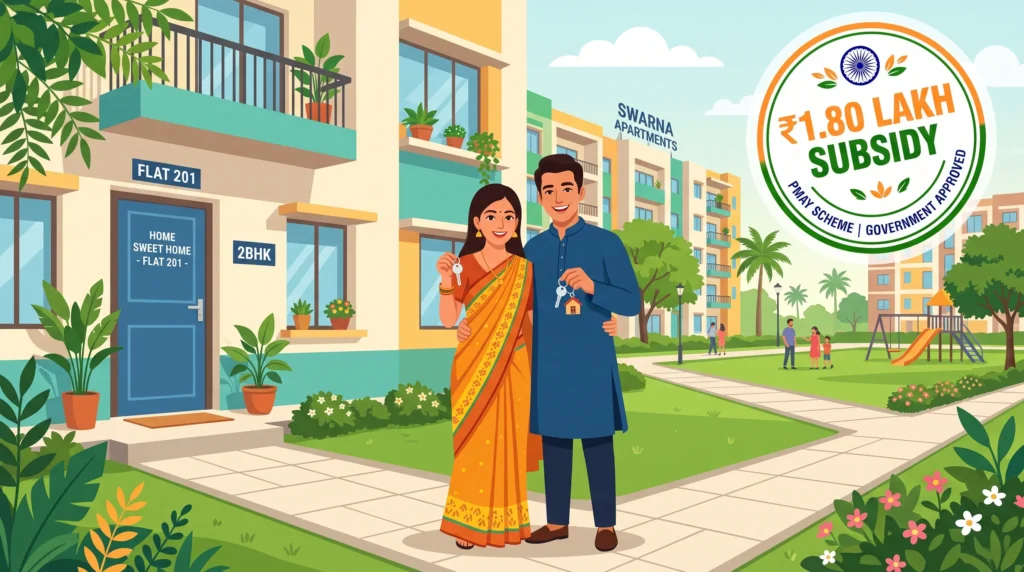
If you’ve been paying full interest on a home loan for the last few years, the PM Awas Yojana Urban 2.0 (PMAY-U 2.0) might literally put money back in your pocket — up to ₹1.80 lakh in interest subsidy over the loan tenure. The catch? Most people either don’t know they’re eligible, fill the form wrong, or apply on the wrong portal and get rejected silently.
✅ This guide is based on official government sources and notifications. Last verified: October 12, 2026. Scheme details, eligibility criteria, and benefit amounts are revised by the government from time to time — always cross-check the latest information on the official portal before applying.
In this guide, you’ll learn exactly what PMAY Urban 2.0 is in plain English, who qualifies in 2026, how much subsidy you actually get, the documents you’ll need, and a step-by-step process to apply online at the official pmaymis.gov.in portal. By the end, you’ll know whether you should apply — and if yes, how to do it without making the mistakes that get 6 out of 10 applications rejected.
What is PM Awas Yojana Urban 2.0 (PMAY-U 2.0)?
PMAY Urban 2.0 is the second phase of the Pradhan Mantri Awas Yojana (Urban) — the central government’s housing-for-all scheme run by the Ministry of Housing & Urban Affairs (MoHUA). The first phase closed on 31 March 2024. The 2.0 version kicked in for home loans sanctioned on or after 1 September 2024 and is currently active
The headline promise is simple: if you’re an urban Indian family buying or building your first home, the government will subsidise a chunk of your home loan interest — currently 4% per annum, up to ₹1.80 lakh total
The target is to help 1 crore urban families own a pucca house with water, electricity, and a toilet by the end of the scheme window from 2024 to 2029
There are four verticals under PMAY Urban 2.0:
- CLSS (Credit Linked Subsidy Scheme) — subsidy directly credited to your home loan account. This is what most salaried people use.
- BLC (Beneficiary-Led Construction) — government gives you ₹1.20–₹1.30 lakh to build a house on your own land.
- AHP (Affordable Housing in Partnership) — public-private projects where builders construct homes for EWS/LIG buyers.
- ISS (In-Situ Slum Redevelopment) — redevelopment of existing slums with private participation.
For most readers of this site, CLSS is the relevant one — so this guide focuses on that path.
Who Can Apply — PMAY Urban 2.0 Eligibility
Eligibility is where most people trip up. The rules are stricter than they look on the first page of government sites.
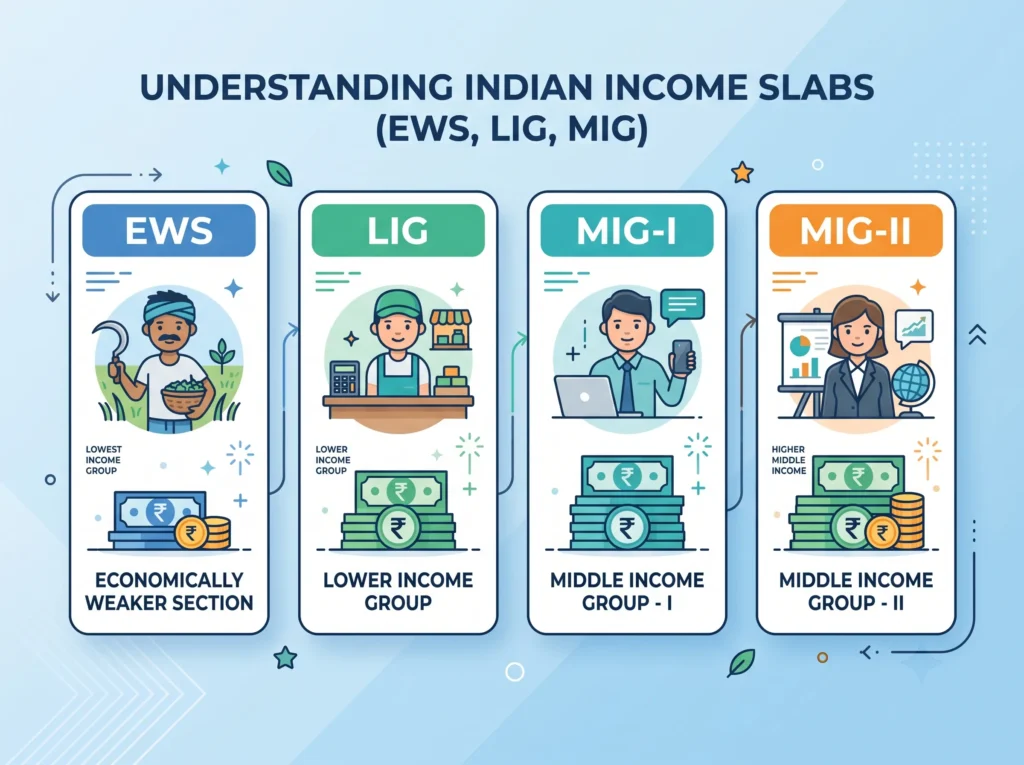
Income Groups Covered (EWS, LIG, MIG-I, MIG-II)
PMAY Urban 2.0 divides urban families into four income slabs. Your annual household income decides which slab you fall in and how much subsidy you get:
| Income Group | Annual Household Income | Subsidy Rate | Max Subsidy |
|---|---|---|---|
| EWS (Economically Weaker Section) | Up to ₹3 lakh | 4% p.a. | Up to ₹1.80 lakh |
| LIG (Low Income Group) | ₹3 lakh – ₹6 lakh | 4% p.a. | Up to ₹1.80 lakh |
| MIG-I (Middle Income I) | ₹6 lakh – ₹12 lakh | 3% p.a. (Phase 1 only) | Verify current Phase 2.0 rates |
| MIG-II (Middle Income II) | ₹12 lakh – ₹18 lakh | 3% p.a. (Phase 1 only) | Verify current Phase 2.0 rates |
In plain words: if your family earns under ₹6 lakh per year, you’re almost certainly in the sweet spot for the full ₹1.80 lakh subsidy.
Family Composition Rules
- The applicant + spouse + unmarried children count as one family. Your married brother or parents are a separate family.
- You, your spouse, and your minor children must not own a pucca house anywhere in India. “Pucca” means a permanent structure with a roof and walls of brick, stone, or concrete.
- If you’ve already received a PMAY benefit in Phase 1 (before 2024), you cannot apply again for the same property.
Property Ownership Conditions
- The house must be in an urban area — defined by the 2011 Census. If your address falls in a “Census Town” or statutory town, you’re covered.
- For CLSS, the carpet area cap is:
- Up to 30 sq.m. (≈ 323 sq.ft.) for EWS
- Up to 60 sq.m. (≈ 645 sq.ft.) for LIG
- Up to 160 sq.m. (≈ 1,722 sq.ft.) for MIG
- Up to 200 sq.m. (≈ 2,153 sq.ft.) for MIG-II
- The property must be in the woman’s name, or jointly with the woman. A house in only the husband’s name will get rejected.
That last point trips up a huge number of applications. If you’re a married male applicant, make sure your wife is a co-applicant on the loan and the property.
How Much Subsidy Will You Actually Get?
Let’s run the math on a real scenario.
Suppose you’re a 32-year-old salaried employee in Pune, household income ₹5.4 lakh per year (LIG slab). You take a home loan of ₹25 lakh for 20 years at 9% interest from a PMAY-partnered bank. Without PMAY, your total interest paid over 20 years would be roughly ₹29–30 lakh.
With PMAY Urban 2.0 (4% subsidy on a maximum loan amount of ₹6 lakh for EWS, ₹14 lakh for LIG — at notified rates), your effective interest rate drops to around 5%. Over 20 years, that can mean ₹4–6 lakh in interest savings — and the upfront ₹1.80 lakh subsidy is credited directly into your loan account, reducing your principal and EMI.
Real talk: the subsidy is not a cash handout. It’s an upfront credit to your loan account. But the compounding impact over 20 years is real and worth chasing.
Documents Required for PMAY Urban 2.0
Keep these scanned copies ready (PDF, under 1 MB each) before you start the form:
Tip: scan everything at 200 DPI in greyscale — it keeps file size small and OCR on government portals reads it cleanly.
How to Apply Online at pmaymis.gov.in (Step-by-Step)
The official portal for online application is pmaymis.gov.in. The new pmay-urban.gov.in is more for status tracking. The actual application form lives on pmaymis.
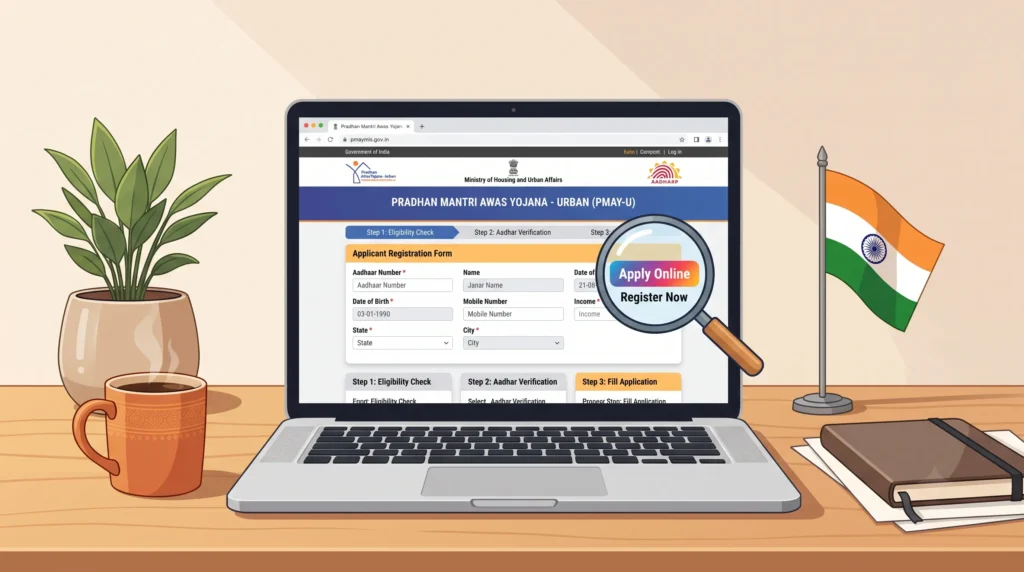
Here’s the exact flow:
Step 1: Open the official portal Go to pmaymis.gov.in (not some random “pmay” site — there are dozens of phishing copies). On the homepage, look for the “Citizen Assessment” or “Apply Online” tab in the main menu.
Step 2: Start a new application Click “Apply Online” → choose the sub-scheme: CLSS (Credit Linked Subsidy Scheme) for most salaried applicants. You’ll be asked to enter your Aadhaar number for eKYC.
Step 3: Verify Aadhaar Enter your 12-digit Aadhaar, the captcha, and the OTP sent to your Aadhaar-linked mobile. This pulls your basic demographic data (name, DoB, address) into the form automatically.
Step 4: Fill the application form The form has 5 sections:
- Personal details — name, father’s name, gender, marital status, mobile, email
- Family income details — annual household income, income source (salaried / business / agriculture), IT return acknowledgement number
- Address details — current residence + proposed house address
- Property / loan details — bank name, loan account number (if already sanctioned), carpet area in sq.m., property type (new construction / purchase / enhancement)
- Co-applicant details — spouse or parent’s details
Step 5: Upload documents Attach scans of Aadhaar, PAN, income proof, address proof, bank passbook, property papers, photograph, and the joint ownership declaration (if applicable).
Step 6: Submit and download the acknowledgement After submission, you’ll get an Assessment ID. Save this as a PDF and write it down. You’ll need it for every future status check. Also, the acknowledgement slip with your photo on it is your proof of application — take a printout.
Step 7: Submit the Assessment ID to your bank This is the step most people miss. After you get the Assessment ID, take it to your home loan branch (or upload it to the bank’s netbanking portal) and ask them to link your loan account to your PMAY assessment. The bank then claims the subsidy from HUDCO and credits it to your loan.
Timeline: typically 60–90 days from assessment to subsidy credit, but it can stretch to 4–6 months during peak periods.
How to Check PMAY Urban 2.0 Application Status
Once you’ve applied, track it in 30 seconds flat:
4. You’ll see one of these statuses:
- Approved — subsidy credited/being credited
- Pending at ULBs — sent to your city municipal body for field verification
- Pending at Bank — your bank hasn’t yet linked your loan account
- Rejected — with a reason (most common: not in urban area, or income doesn’t match the slab)
If your status has been stuck on “Pending at ULBs” for more than 90 days, visit your local ULB (municipal office) with your Aadhaar and Assessment ID. ULB verification is the slowest link in the chain.
You can also search the PMAY Urban 2.0 beneficiary list 2026 to see if your name has been added to a state-wise or city-wise list once the verification is complete.
PMAY Urban 2.0 vs PMAY Gramin: What’s the Difference?
You’ll see both versions in search results, and they get mixed up. Here’s the quick contrast:
| Feature | PMAY Urban 2.0 | PMAY Gramin (PMAY-G) |
|---|---|---|
| Target area | Urban / Census towns | Rural villages |
| Implementing body | MoHUA + ULBs | Ministry of Rural Development |
| Subsidy type | Interest subsidy (CLSS) 4% p.a. | Direct cash into bank account |
| Max benefit | Up to ₹1.80 lakh interest subsidy | Up to ₹1.20–₹1.30 lakh in 4 installments |
| Apply where | pmaymis.gov.in | pmayg.nic.in or via Gram Panchayat |
| Target beneficiaries | 1 crore urban families | 2.95 crore rural families (extended to Mar 2029) |
| Document intensity | Heavy (Aadhaar, ITR, loan docs) | Light (Aadhaar, land record) |
| Approval route | Bank → HUDCO → ULB | Gram Panchayat → Block → DRDA |
Common Mistakes That Get Your PMAY Application Rejected
Don’t learn this the hard way. From the rejected applications data on forums and RTI responses, here are the top 7 reasons PMAY Urban 2.0 applications bounce:
Before you hit Submit, screenshot every form section and email it to yourself. If a field is rejected later, you have proof of what you entered.
Frequently Asked Questions (FAQ)
1. Who is eligible for PM Awas Yojana Urban 2.0?
Indian families with annual household income up to ₹18 lakh, who do not own a pucca house in India, and are buying/building a house in an urban area, are eligible. The exact subsidy depends on your income slab.
2. What is the last date to apply for PMAY Urban 2.0?
There is no fixed “last date” published yet for the general public; the scheme is active and rolling. The 1-crore target is being filled state-by-state. Check pmaymis.gov.in for state-wise cutoff dates as they appear.
3. Can I apply for PMAY if my wife already owns a house?
Generally no. “No pucca house in India” applies to the family unit. If your spouse owns a house, you’re likely ineligible. Exceptions may exist for joint family structures — consult a PMAY-empanelled bank.
4. How much subsidy will I get on a ₹30 lakh home loan?
For EWS / LIG (income up to ₹6 lakh), the subsidy is 4% per annum on the loan amount, with a maximum subsidy of ₹1.80 lakh credited upfront. For MIG-I and MIG-II, subsidy rates are lower and may not be active in Phase 2.0 — confirm at your bank.
5. Is the ₹1.80 lakh given in cash or adjusted in the loan?
It’s not cash in hand. The subsidy is credited directly into your home loan account, reducing your principal. Your EMI stays the same, but your loan closes earlier — saving you lakhs in interest.
6. How do I download the PMAY Urban beneficiary list 2026?
Visit pmaymis.gov.in → “Search Beneficiary” → “Search by Name” or “Search by Aadhaar”. The list is updated as state-wise verification completes — your name may take 3–6 months to appear even after approval.
7. Can NRIs apply for PMAY Urban 2.0?
No. The applicant must be an Indian citizen resident in India. NRIs cannot claim PMAY subsidy, even on a property in India.
Conclusion
PMAY Urban 2.0 is one of the few central government schemes that puts real money back into your home loan — up to ₹1.80 lakh upfront, with compounding interest savings of ₹4–6 lakh over a 20-year tenure. But it’s also one of the schemes where a small form mistake (wrong portal, property in husband’s name only, income mismatch) means you lose the benefit silently.
Here’s your action plan: check your income slab, scan your documents, and apply online at pmaymis.gov.in within the next 7 days. Once you have your Assessment ID, walk it into your bank branch and ask them to link the subsidy to your loan. Then track your status every 15 days until “Approved” appears.
Everything is explained simply in our PMAY Online Form article. If you are short on time, our PM Kisan Samman Nidhi Yojana summary is a good starting point.